Wholesale distribution ERP: The top ERP systems for 2026




Most distributors do not start looking for new software until something stops working. Inventory becomes harder to trust, quotes take too long to prepare, and reports no longer reflect what is happening across the business. Over time, these problems create operational friction that slows growth.
Some businesses rely on QuickBooks alongside spreadsheets and disconnected tools. Others adopt large ERP systems that are difficult to adapt to their workflows. In both cases, the software can become a limitation instead of helping the business operate efficiently.
Choosing the right ERP software for distributors means looking beyond a long list of features. The right system should improve inventory accuracy, streamline sales and purchasing, connect financial and operational data, and support the way distribution businesses actually work.
Here are seven ERP features worth prioritizing when evaluating your next system.
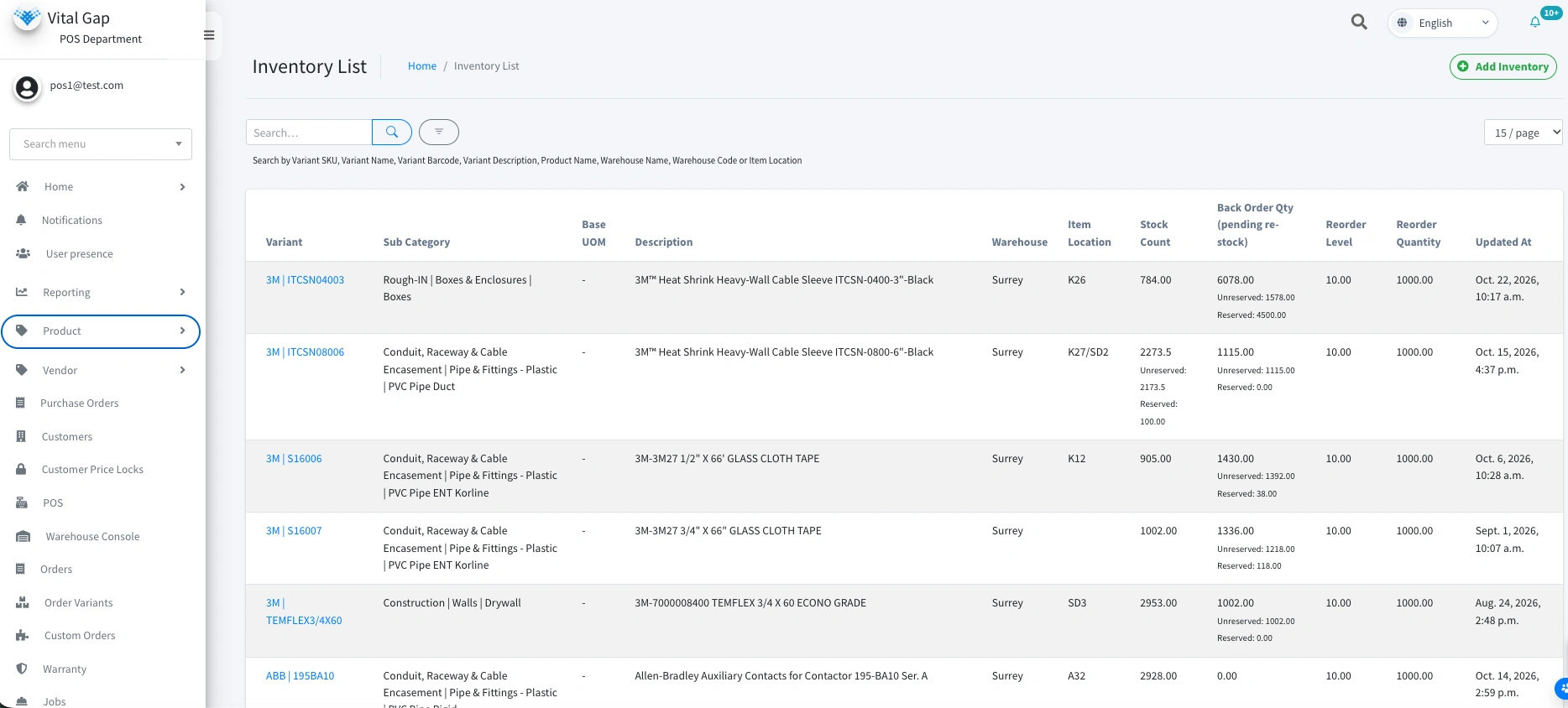
Distributors need to know what stock is available, where it is located, and whether it can fulfill an order. When inventory records lag behind physical movements, teams risk overselling products, delaying shipments, or purchasing stock they already have.
A distribution ERP should provide a consolidated view of inventory across warehouses and other stock locations, with updates tied to operational transactions.
Look for capabilities such as:
Reliable inventory information helps sales teams make better commitments while giving purchasing and warehouse teams a clearer picture of demand and availability.
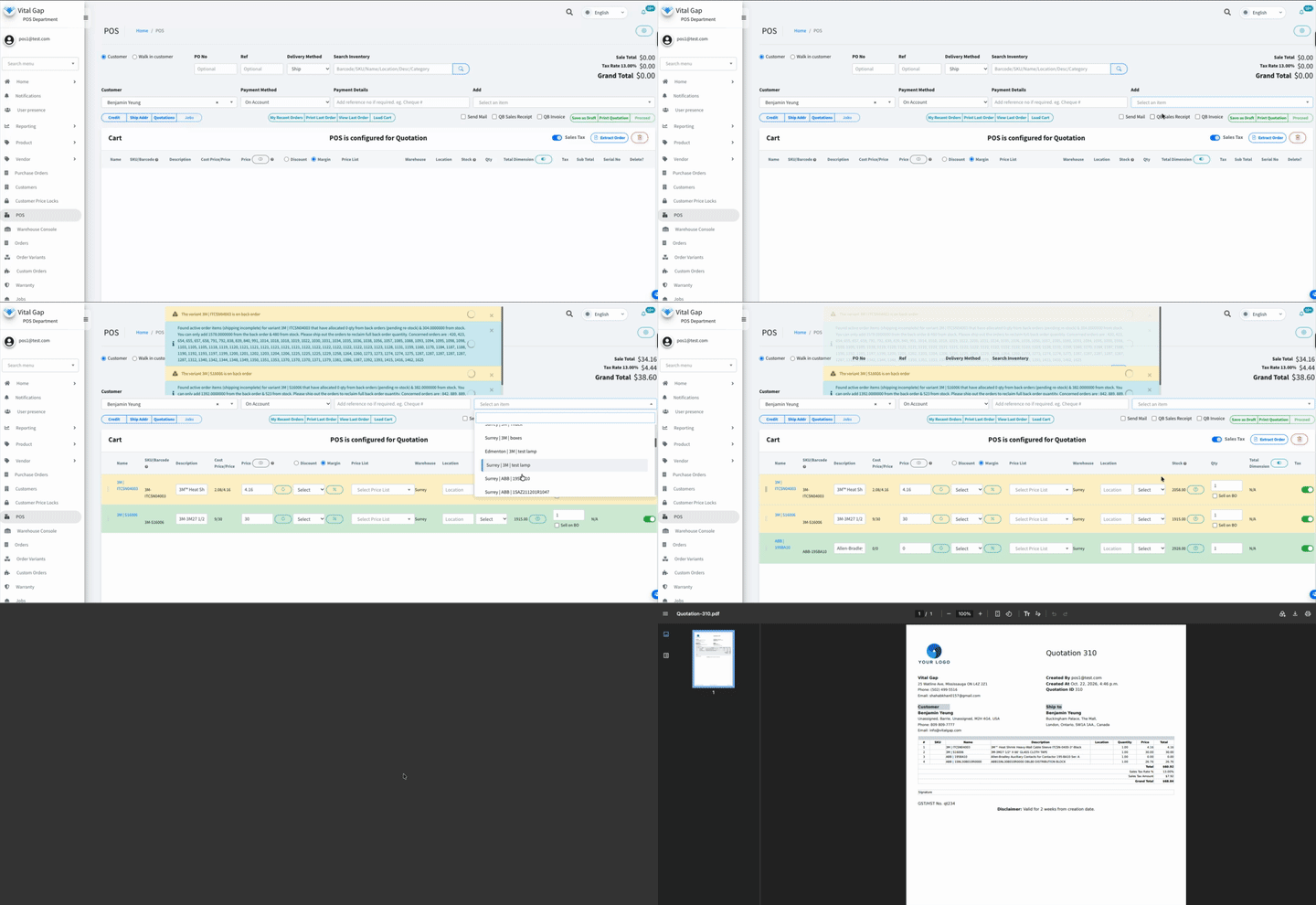
Quoting is a critical part of distribution sales, particularly when customers have negotiated pricing, volume discounts, or account-specific terms.
When sales representatives must check spreadsheets, contact the warehouse, or ask finance to confirm pricing, quote preparation becomes slower and more error-prone.
A distributor-focused ERP should help sales teams create quotes using relevant customer pricing, product information, and inventory availability. It should also support the pricing rules and approval processes the business actually uses.
The result is a more consistent quoting process, fewer manual checks, and a smoother transition from quote to sales order.
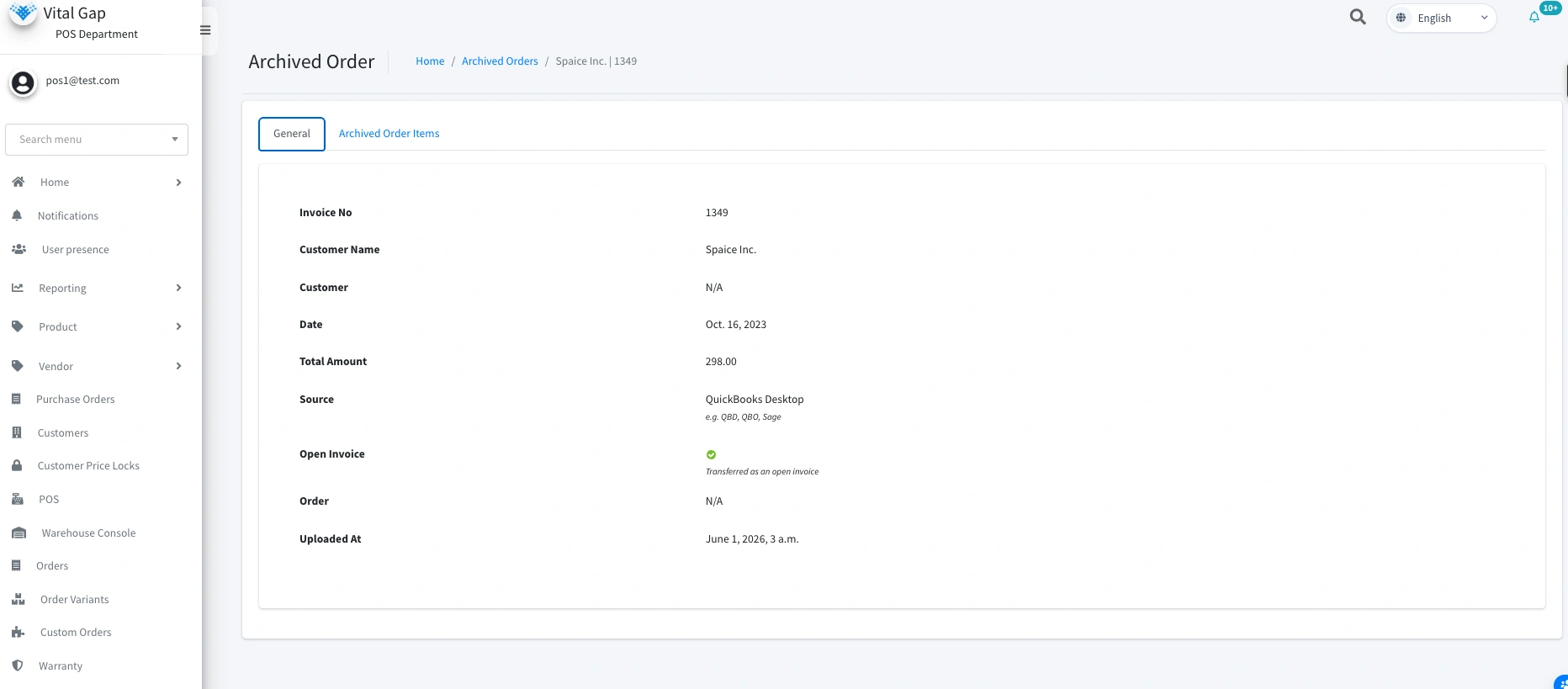
Switching ERP systems involves more than moving product lists and customer records. Years of transaction history, customer-specific pricing, vendor information, and purchasing records may be essential to everyday operations.
Without a well-planned migration, businesses risk losing access to valuable context or disrupting established workflows.
Before selecting an ERP, ask vendors:
VitalGap's guide to QuickBooks ERP history and migration provides a useful starting point for distributors planning a transition.
The key is to define migration requirements early rather than treating historical data as an afterthought.

Distribution operations extend beyond office desks. Sales representatives may visit customers, warehouse employees manage stock movements, and managers need operational updates while away from their computers.
When critical information is available only through a desktop system, teams often fall back on phone calls, screenshots, or delayed data entry.
Mobile access can make it easier for authorized users to retrieve relevant information and complete supported tasks while working in the field or warehouse.
When evaluating this feature, check which functions are available on mobile, whether the interface suits warehouse conditions, and whether access permissions are consistent across devices. Do not assume every ERP offers the same mobile capabilities.
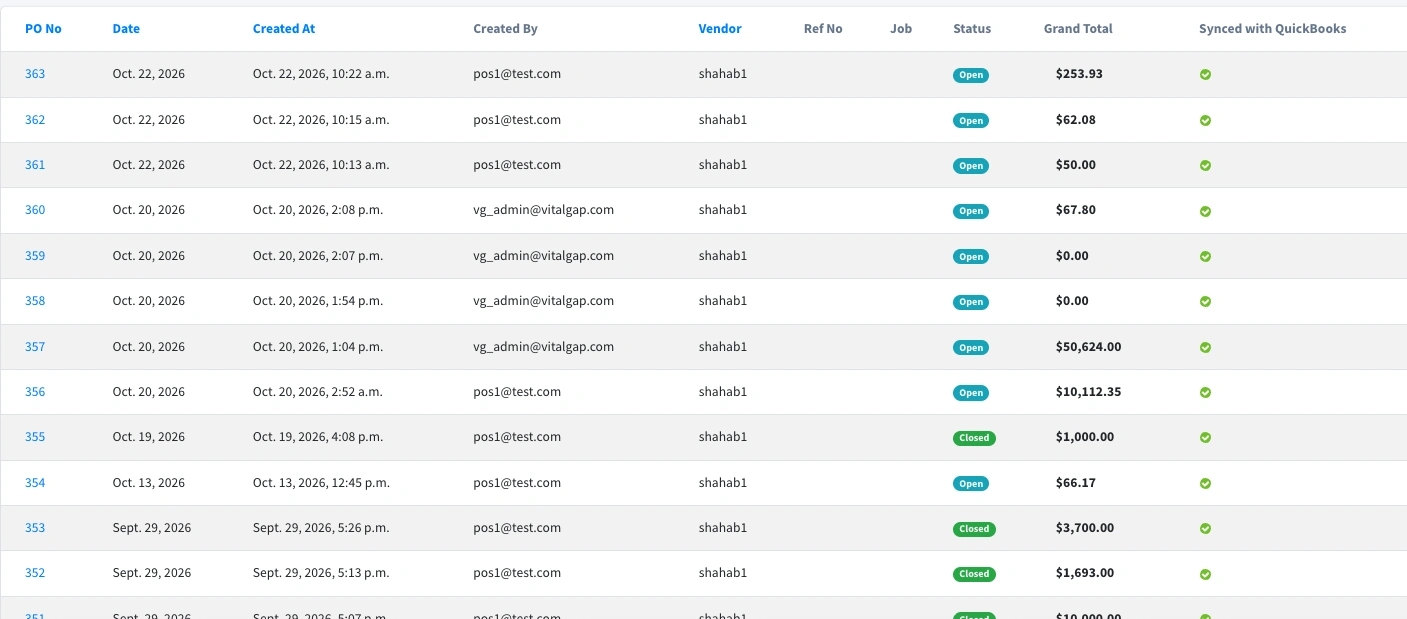
Accounting and distribution operations depend on many of the same transactions, but they serve different needs. Sales orders, inventory movements, purchasing, invoicing, and payments must remain consistent across the systems involved.
Poor integration can lead to duplicate data entry, mismatched records, and time-consuming reconciliation.
An ERP should either provide the financial capabilities your business needs or integrate reliably with your existing accounting software. Evaluate how the systems exchange customer records, invoices, payments, product information, and other relevant data.
Also ask whether synchronization happens automatically, how errors are handled, and which system serves as the source of truth for each data type.
For a deeper look at the business impact, read about distribution software integration ROI.
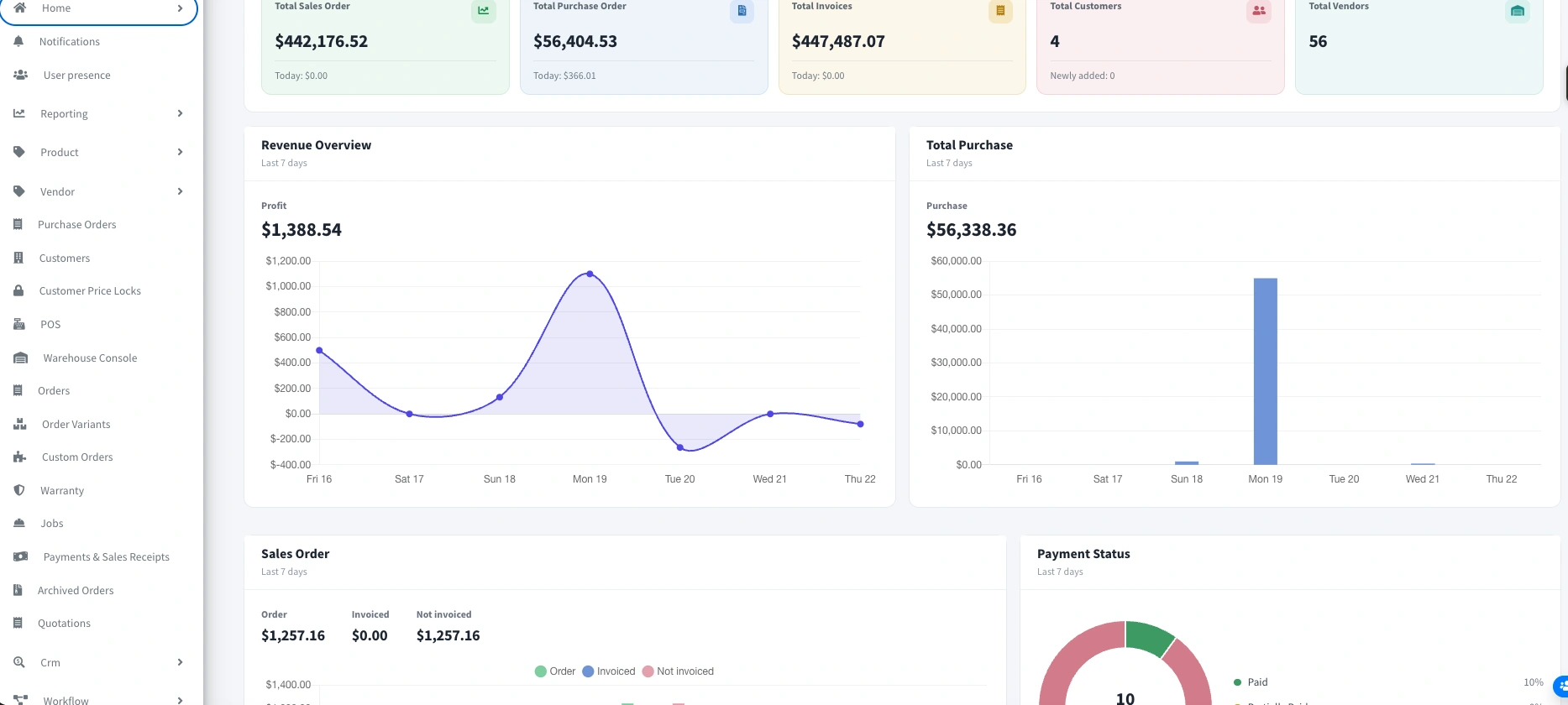
More data does not automatically lead to better decisions. Distributors need timely, understandable information that helps them identify problems and act on them.
An effective ERP dashboard should surface the metrics most relevant to each role. Depending on the system and configuration, these may include:
Reporting should also allow users to investigate the underlying transactions rather than relying on summary figures alone.
Before committing to a platform, identify the decisions your team makes every day and confirm that the ERP can provide the information needed to make them confidently.
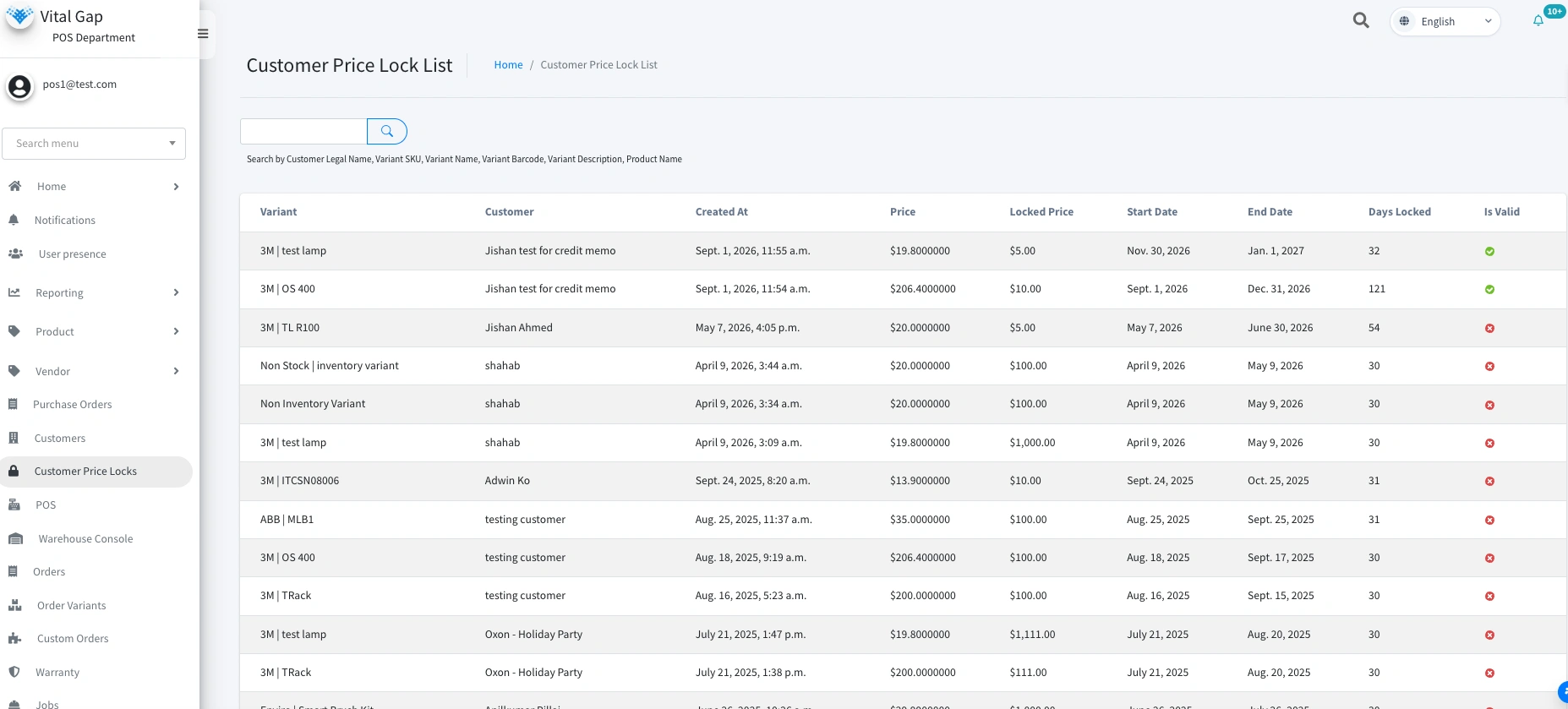
Not every ERP is designed for the same operating model. A system built primarily for manufacturing or retail may require significant customization before it supports the purchasing, quoting, pricing, and fulfillment processes of a wholesale distributor.
That does not automatically make general-purpose ERP software unsuitable. The important question is how well the system fits your business without creating excessive workarounds.
Look for support for your actual distribution workflows, including:
A system that reflects distribution operations can reduce unnecessary manual steps and make it easier for teams to work from consistent information.
VitalGap focuses on the needs of wholesale distribution. Explore its distribution-focused software approach to understand how a purpose-built system may fit your operation.
Future-proofing a distribution business does not mean choosing the ERP with the longest feature list. It means selecting a system that addresses today's operational challenges while supporting future growth.
Prioritize accurate inventory visibility, efficient quoting, dependable data migration, mobile access, reliable integrations, practical reporting, and workflows designed for distribution.
Then evaluate each vendor against your real processes, not just its product demo. Ask for demonstrations using realistic scenarios from your business, and confirm which features are available out of the box, require configuration, or depend on integrations.
Looking for an ERP built around wholesale distribution? Schedule a session with VitalGap to discuss your workflows and operational requirements.
Core features include real-time inventory visibility, flexible quoting and pricing, purchasing, order management, accounting integration, reporting, and support for multiple locations. Historical data migration and mobile access may also be important, depending on the business.
Distribution businesses often manage complex pricing, large product catalogs, multiple warehouses, supplier relationships, and time-sensitive fulfillment. ERP software designed for distribution may support these workflows more directly and reduce the need for manual workarounds.
An ERP can connect inventory updates to transactions such as receiving, order fulfillment, transfers, and adjustments. When these processes are recorded consistently, teams gain a clearer view of stock availability. Accuracy still depends on sound processes and reliable data entry.
Evaluate workflow fit, migration scope, integration requirements, implementation effort, training, reporting, scalability, and total cost of ownership. Confirm which historical records can be transferred and validate the migration plan before going live.
Whether you're looking to streamline operations, boost efficiency, or drive growth, VitalGap has the solutions you need.