Wholesale distribution ERP: The top ERP systems for 2026




Walk into many wholesale distribution businesses and you will find a spreadsheet that has become essential to daily operations. It might track inventory, manage customer pricing, monitor purchase orders, or help sales representatives coordinate with the warehouse.
It probably started as a practical solution. Spreadsheets are flexible, familiar, and inexpensive to create.
The problem begins when the business grows but the processes stay the same.
Inventory figures fall out of sync, sales representatives chase updates, employees enter the same information into multiple systems, and managers struggle to determine which numbers are accurate. Each issue may seem minor, but together they can create a significant operational cost.
For a growing distributor, the real question is not whether spreadsheets are free. It is how much the manual work around them costs the business.
Let's examine where those costs come from, how to estimate their impact, and how distribution management software can help reduce avoidable work.
Spreadsheets are useful for analysis, planning, and one-off tasks. They become less effective when multiple teams depend on them as the primary system for running daily operations.
Wholesale distributors must coordinate product availability, customer orders, purchasing, supplier information, pricing, and fulfillment. When these activities depend on disconnected files and manual updates, small mistakes can spread across the business.
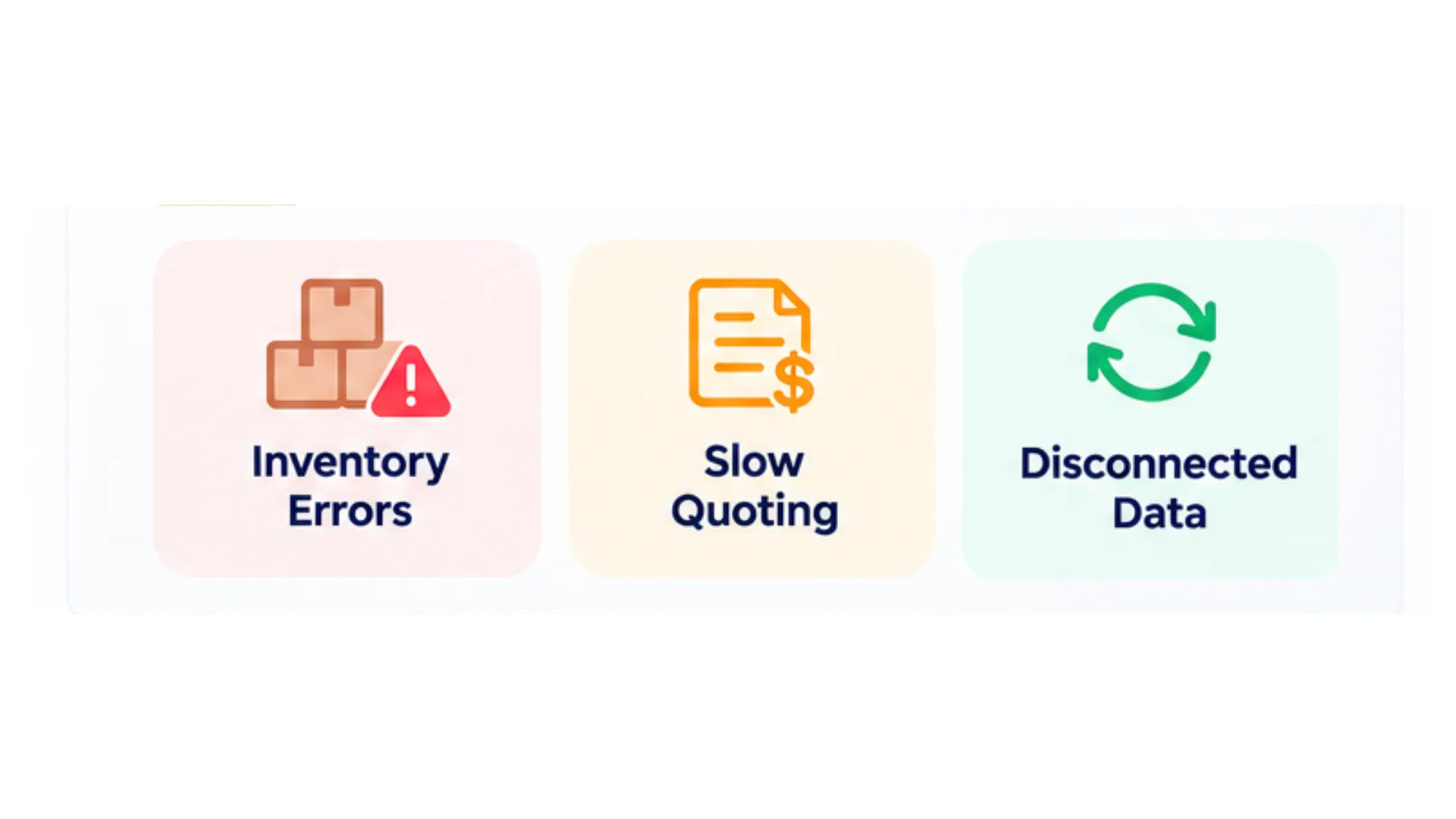
Accurate inventory information is essential for making reliable sales and purchasing decisions.
If stock records are maintained manually, the figures may not reflect recent receipts, transfers, sales, or adjustments. A sales representative might promise an item that is unavailable, while purchasing may reorder a product that is already in stock at another location.
These discrepancies can lead to:
The financial impact depends on the frequency of errors, the value of the affected products, and the cost of resolving each problem.
A connected inventory workflow can help teams work from more consistent stock information, although accuracy still depends on correct transaction recording and disciplined warehouse processes.
In wholesale distribution, a quote may require more than looking up a product price. Sales representatives may need to confirm availability, check customer-specific pricing, calculate margins, and obtain approval for special terms.
When this information is scattered across spreadsheets, email threads, and separate applications, quote preparation becomes slower.
That delay creates friction for both employees and customers. A buyer waiting for a price or availability confirmation may contact another supplier, particularly when the order is time-sensitive.
To identify the impact, track:
Not every delayed quote results in lost revenue. However, measuring these patterns helps identify where better-connected systems could improve the sales process.
When several departments maintain their own spreadsheets, different versions of the same information can quickly emerge.
Sales may have one customer price, purchasing may have a different supplier cost, and finance may be working from records that were updated later. Employees then spend time comparing files, confirming figures, and correcting discrepancies.
This creates hidden labor costs.
For example, if five employees each spend 30 minutes per working day reconciling records or re-entering information, the business loses 2.5 staff hours every day to that work alone.
Over time, those hours could otherwise be used for customer service, purchasing analysis, order processing, or other activities that support the business.
A shared operational system can reduce duplicate entry by connecting relevant workflows and records. The objective is not to eliminate spreadsheets entirely, but to stop using them as a substitute for reliable operational processes.
Consider a hypothetical mid-sized electrical distributor that manages inventory, orders, and pricing across spreadsheets and disconnected tools.
The company believes its manual processes are inexpensive because it does not pay a separate software subscription for every spreadsheet. After reviewing the time spent resolving errors and coordinating work, it estimates the following annual costs.
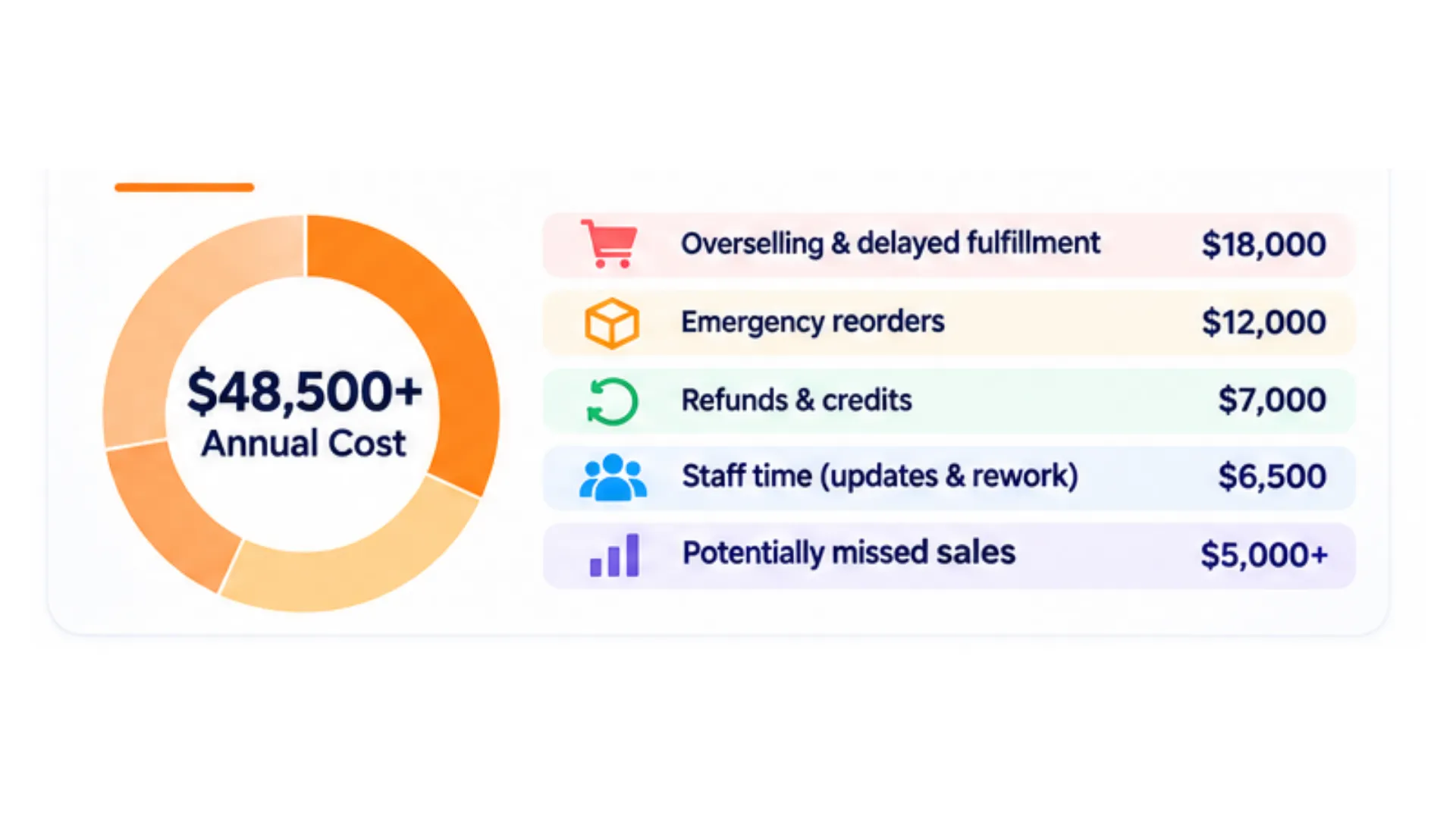
These figures are illustrative, not verified results from a named distributor or an independently documented VitalGap customer case study. Actual costs will vary by business.
The important lesson is that spreadsheet costs rarely appear on a single expense line. They are spread across labor, inventory, fulfillment, customer service, and missed opportunities.
There is also a difference between a direct cost and an estimated opportunity cost. Refunds and additional labor may be measurable expenses, while a lost sales opportunity represents potential revenue that may not have become profit.
Distributors should calculate these categories separately to avoid overstating the financial impact.
You do not need to assume that your business loses $50,000 annually. Start with your own operational data.
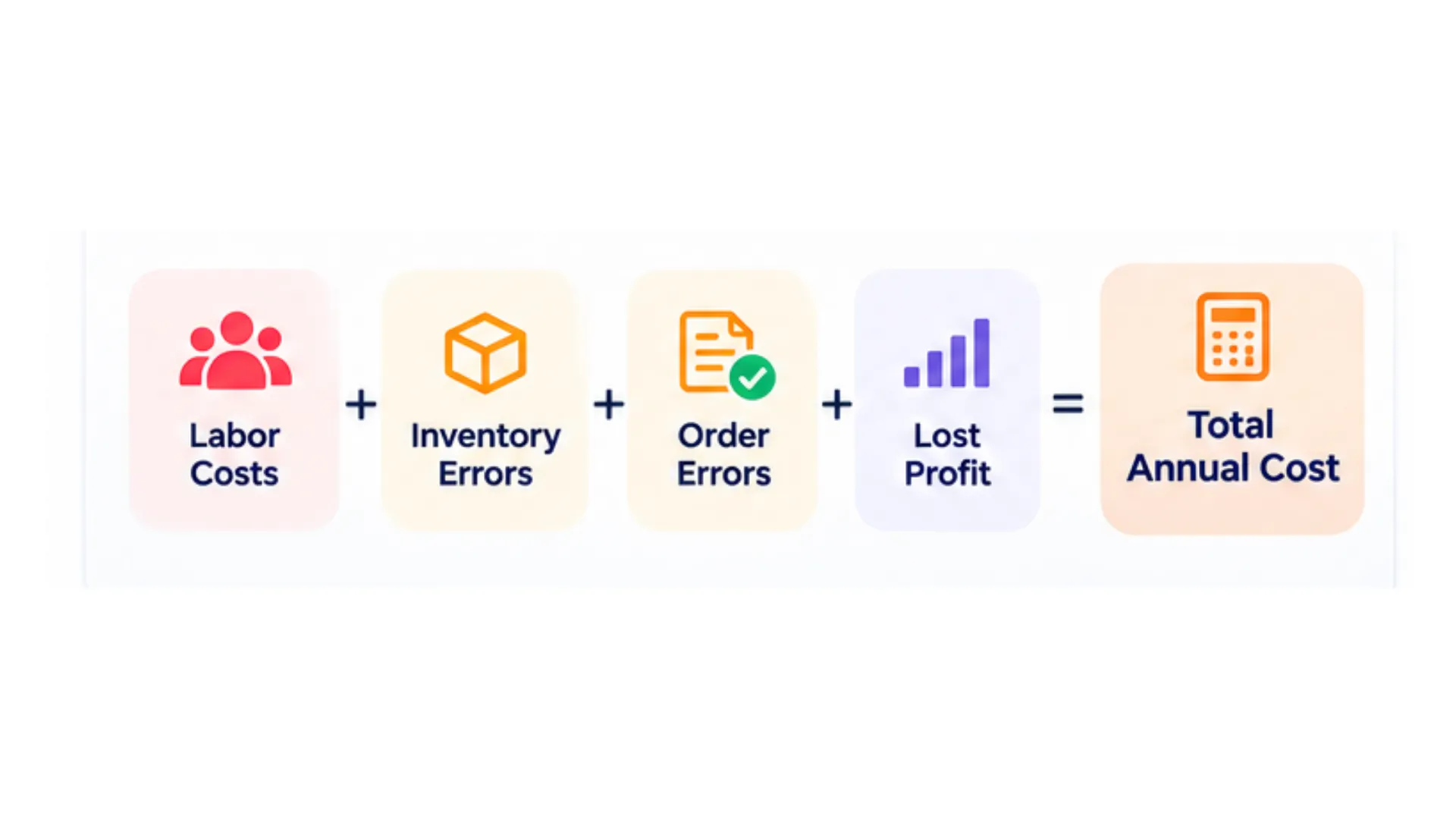
List recurring tasks such as updating inventory files, reconciling order information, checking customer pricing, and correcting duplicate entries.
Estimate the hours spent on each task per week and multiply them by the fully loaded hourly labor cost.
For example, if manual reconciliation takes 10 hours per week and the estimated labor cost is $30 per hour:
[
10 \times $30 \times 52 = $15{,}600
]
That represents an estimated annual labor cost of $15,600 for that task alone, assuming the workload remains consistent throughout the year.
Review emergency purchases, inventory adjustments, expedited freight, avoidable handling, and other costs linked to inaccurate stock information.
Separate genuine additional expenses from ordinary purchasing costs. Buying inventory is not automatically a loss; the extra cost may come from rush shipping, unfavorable pricing, or unnecessary handling.
Measure the cost of correcting shipment mistakes, issuing credits, reshipping products, and resolving delivery disputes.
Where possible, record the reason for each incident. This helps distinguish errors caused by manual processes from issues related to supplier performance, product damage, or other factors.
Review abandoned quotes, delayed order confirmations, stockouts, and customer inquiries that were not followed up.
Estimate the potential gross profit, not just the total sales value, associated with these opportunities. Use conservative assumptions and avoid counting the same lost opportunity more than once.
Combine the measurable costs, document the assumptions behind estimates, and identify the largest sources of avoidable work.
This gives you a baseline for evaluating whether new software could deliver a meaningful return.
A distribution-focused ERP or distribution management system can connect processes that would otherwise rely on separate files and manual updates.
The benefits depend on the platform, implementation, and business workflows, but several capabilities are particularly relevant.
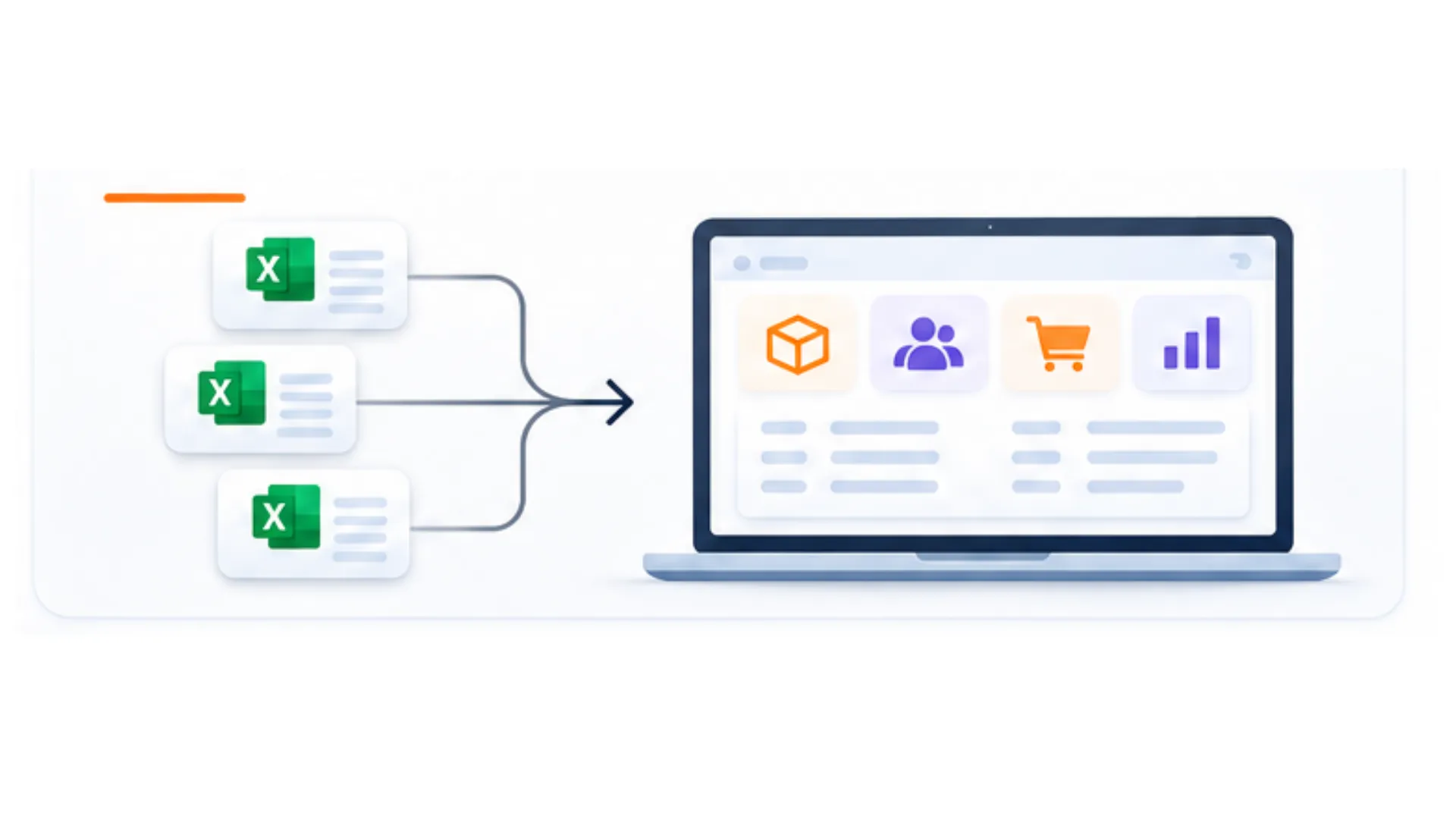
A connected system can link stock movements with receiving, transfers, sales orders, and fulfillment. This gives teams a more consistent view of inventory than relying on independently maintained spreadsheets.
For distributors operating across multiple locations, confirm how the software handles availability, reservations, transfers, and incoming stock.
Centralized product and customer records can help sales teams access relevant pricing and inventory information without repeatedly contacting other departments.
Look for support for customer-specific pricing, quote approvals, margin visibility, and conversion from quotes to sales orders.
Purchasing decisions improve when teams can review current stock, open orders, supplier lead times, and relevant demand information together.
Some platforms also offer reorder recommendations. Before relying on them, confirm which data the recommendations use and how the system accounts for lead times, minimum order quantities, and unusual demand.
When relevant transactions are recorded in a shared system, managers can more easily investigate discrepancies and understand where work is getting delayed using AI-driven operational intelligence.
Reporting can also help teams track the results of process improvements rather than relying on anecdotal feedback.
VitalGap focuses on workflows for wholesale distribution. Explore its distribution-focused software approach to assess whether its capabilities align with your operational needs.
Replacing spreadsheets with software has a cost, too. Review VitalGap's pricing structure and compare the expected savings and operational improvements against the full cost of implementation and ownership.
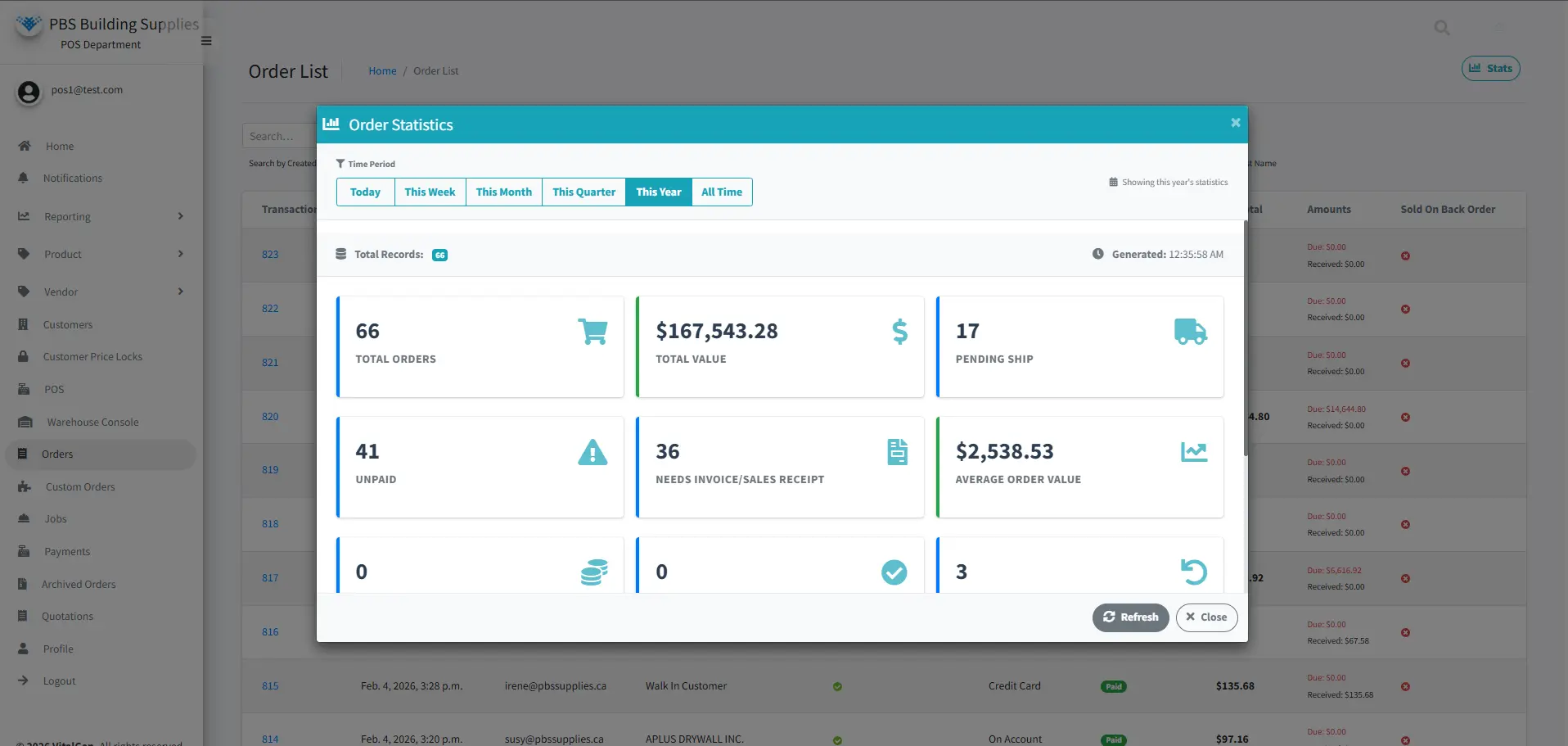
Consider the following:
A useful starting point is to prioritize the two or three manual processes that create the largest measurable costs. Ask prospective vendors to demonstrate how their software would handle those specific scenarios.
This creates a more defensible business case than relying on a broad promise of increased efficiency.
Spreadsheets are not inherently bad. They are valuable tools for analysis, planning, and flexible reporting.
The problem arises when essential distribution operations depend on manual updates, disconnected files, and employees repeatedly checking whether information is correct.
Those processes can create costs through inventory errors, delayed quotes, avoidable rework, and missed opportunities. The impact varies by business, which is why measuring your own costs is the best place to start.
A distribution-focused ERP can help connect inventory, purchasing, sales, and fulfillment so teams spend less time reconciling information and more time running the business.
Want to explore a more connected way to manage distribution operations? Book a demo with VitalGap to discuss your current workflows and identify which manual processes may be worth improving first.
Spreadsheets can become difficult to maintain when multiple employees update inventory, pricing, and order information across different files. Version conflicts, delayed updates, and manual data entry can create errors and additional work.
The cost depends on transaction volume, labor rates, inventory complexity, error frequency, and the value of missed opportunities. Distributors should estimate their own labor, fulfillment, inventory, and sales-related costs instead of assuming a universal dollar figure.
Consider evaluating an ERP when spreadsheets contribute to recurring inventory discrepancies, slow quoting, duplicate data entry, unreliable reporting, or difficulty coordinating multiple locations. The decision should be based on operational needs and the cost of maintaining current processes.
No system can guarantee that every error will disappear. Connected workflows, validation rules, and appropriate permissions can reduce some sources of manual mistakes, but accurate data and consistent processes remain essential.
Compare the full cost of software, implementation, migration, training, and maintenance with realistic improvements in labor efficiency, error-related costs, fulfillment, and sales performance. Establish a baseline before implementation and measure results afterward.
Whether you're looking to streamline operations, boost efficiency, or drive growth, VitalGap has the solutions you need.