Wholesale distribution ERP: The top ERP systems for 2026




For distributors who are tired of disconnected systems, manual workarounds, and legacy software limitations.
If you run a wholesale distribution business, ERP software probably wasn't your first concern. You started by moving products, building supplier relationships, closing sales, and keeping customers satisfied. But as the business grows, managing daily operations becomes more complicated.
Inventory, purchasing, quoting, order fulfillment, and accounting may end up spread across multiple tools. Your sales team checks stock with the warehouse, purchasing relies on spreadsheets, and finance spends hours reconciling information between systems.
Eventually, the same question comes up: Is our current software helping us grow, or making everyday work harder?
That's where a new-age ERP for distributors, also known as distribution management software, can make a difference. The right system connects essential workflows, improves visibility, and supports the way wholesale distribution businesses operate.
However, not every ERP is designed for distribution. Here's what to look for when evaluating your options.
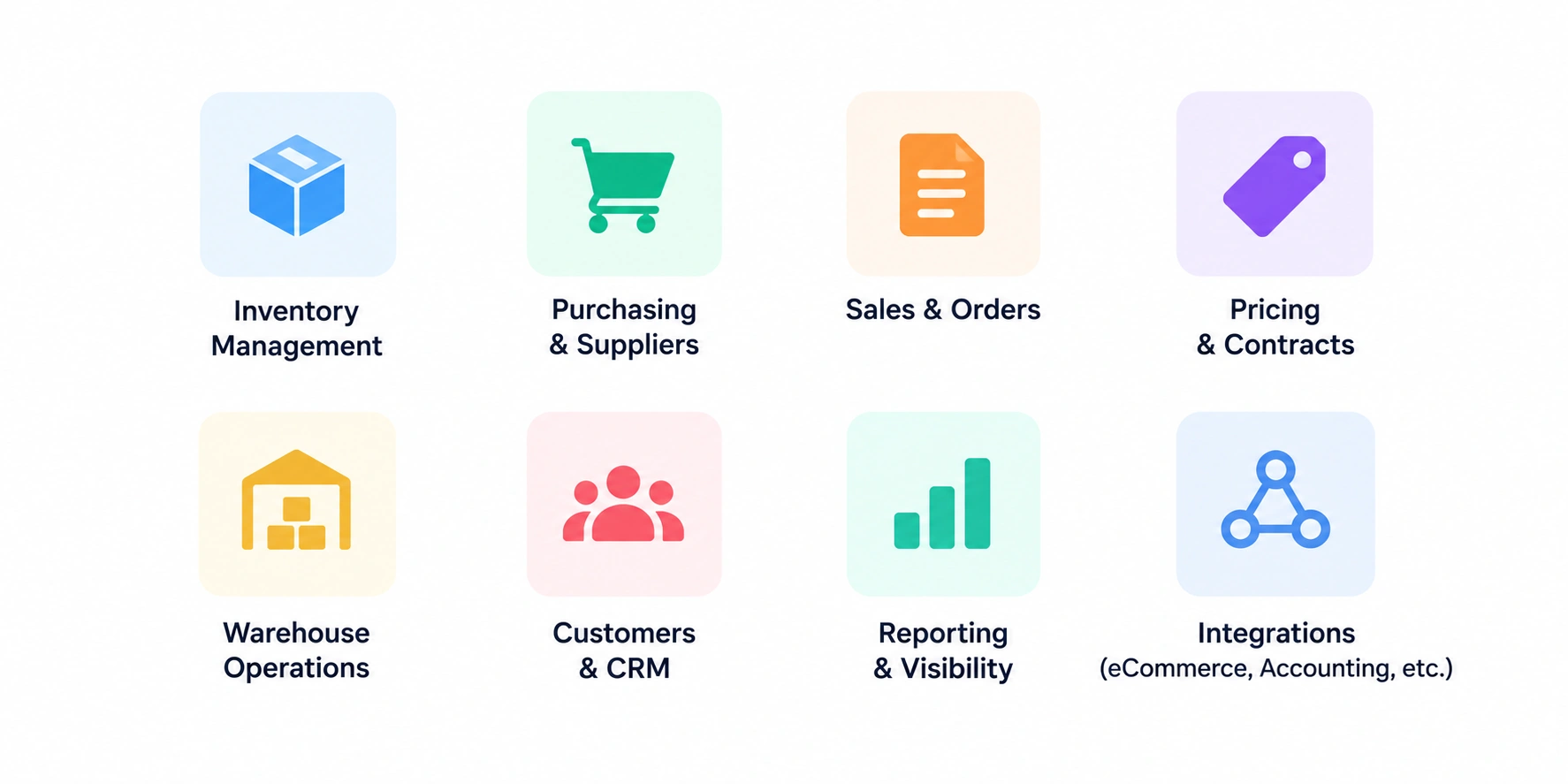
Distributors should prioritize software built around wholesale distribution workflows, with reliable inventory visibility, connected order and purchasing processes, flexible quoting, historical data migration, practical reporting, and integrations that reduce manual work. The best solution should fit the business without adding unnecessary complexity.
ERP platforms vary in their original purpose and strengths. Some emphasize manufacturing, others focus on retail or ecommerce, and some provide broad enterprise functionality across industries.
Wholesale distributors have different operational requirements. They need to manage product availability, supplier relationships, customer-specific pricing, purchasing, and order fulfillment while maintaining accurate financial records.
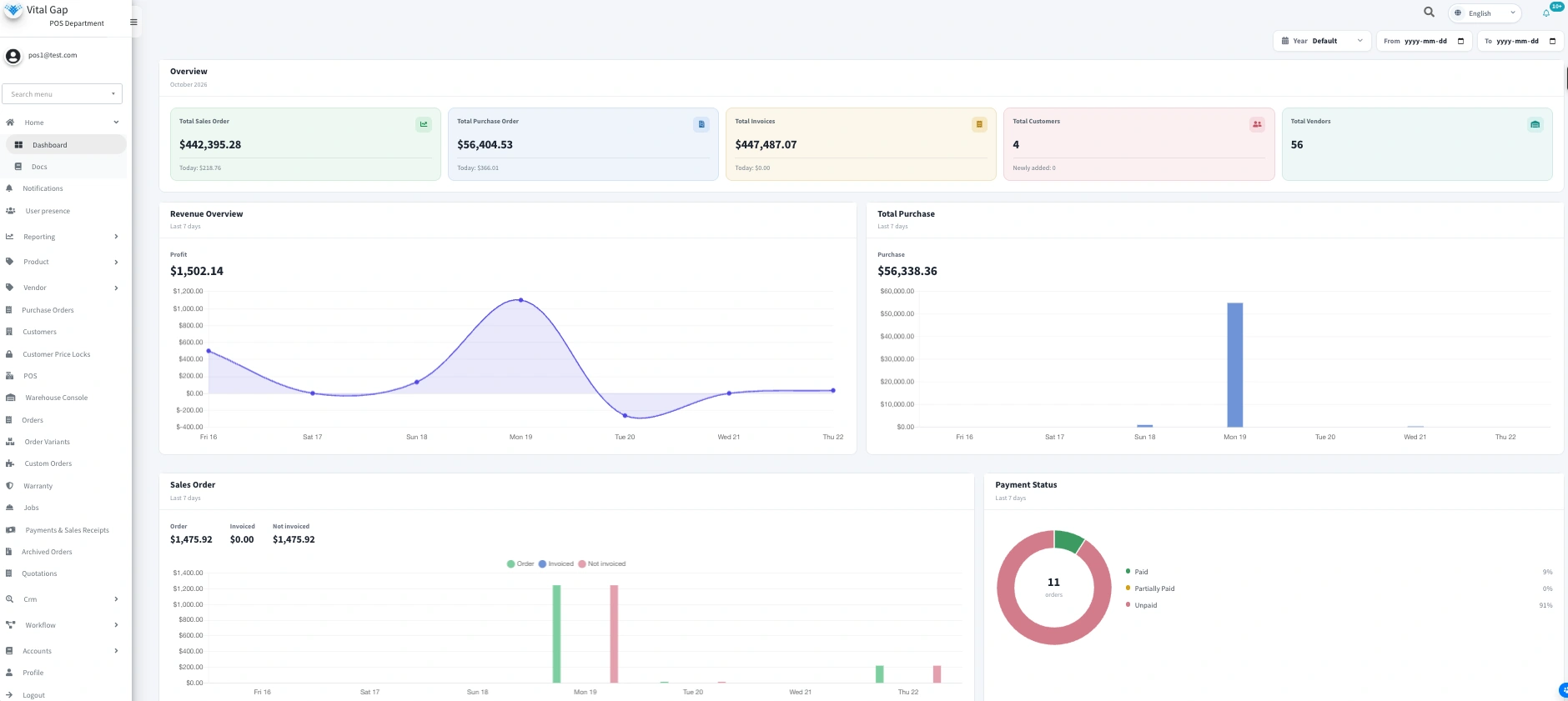
When evaluating distribution management software, look for support for:
A system that aligns with your workflows can reduce the need for spreadsheets, duplicate data entry, and extensive workarounds.
VitalGap focuses on the needs of wholesale distribution. Explore its distribution-focused software approach to understand how a purpose-built platform may fit your operation.
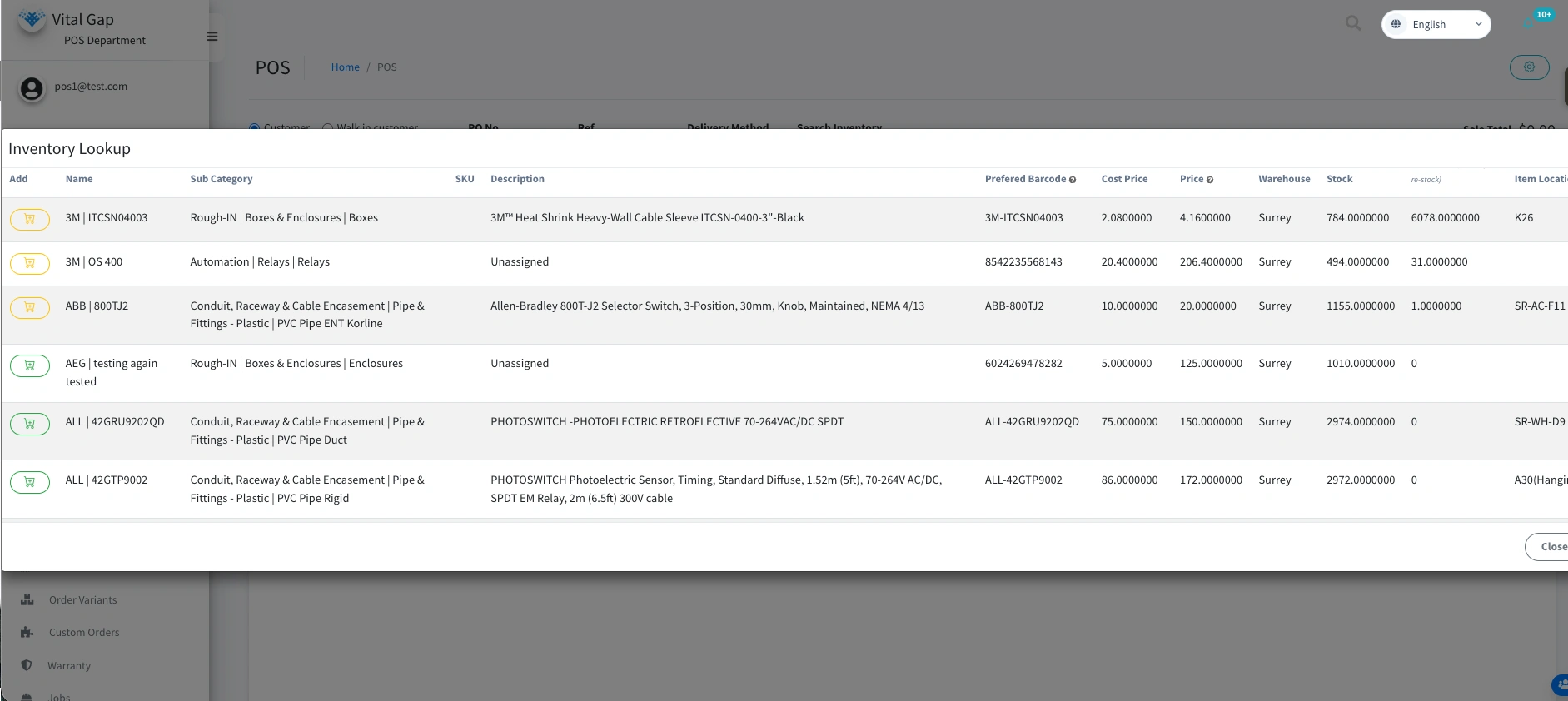
Inventory information is only useful when teams can rely on it. Outdated stock figures can lead to overselling, unnecessary purchasing, delayed fulfillment, and missed sales opportunities.
A modern distribution ERP should connect inventory activity with the transactions that change stock levels, helping teams understand what is available and what is already committed.
Prioritize capabilities such as:
The goal is to give sales, purchasing, and warehouse teams a consistent view of inventory and order activity.
If your sales representatives regularly need to call the warehouse before answering basic availability questions, investigate whether your current system provides the visibility your team needs.
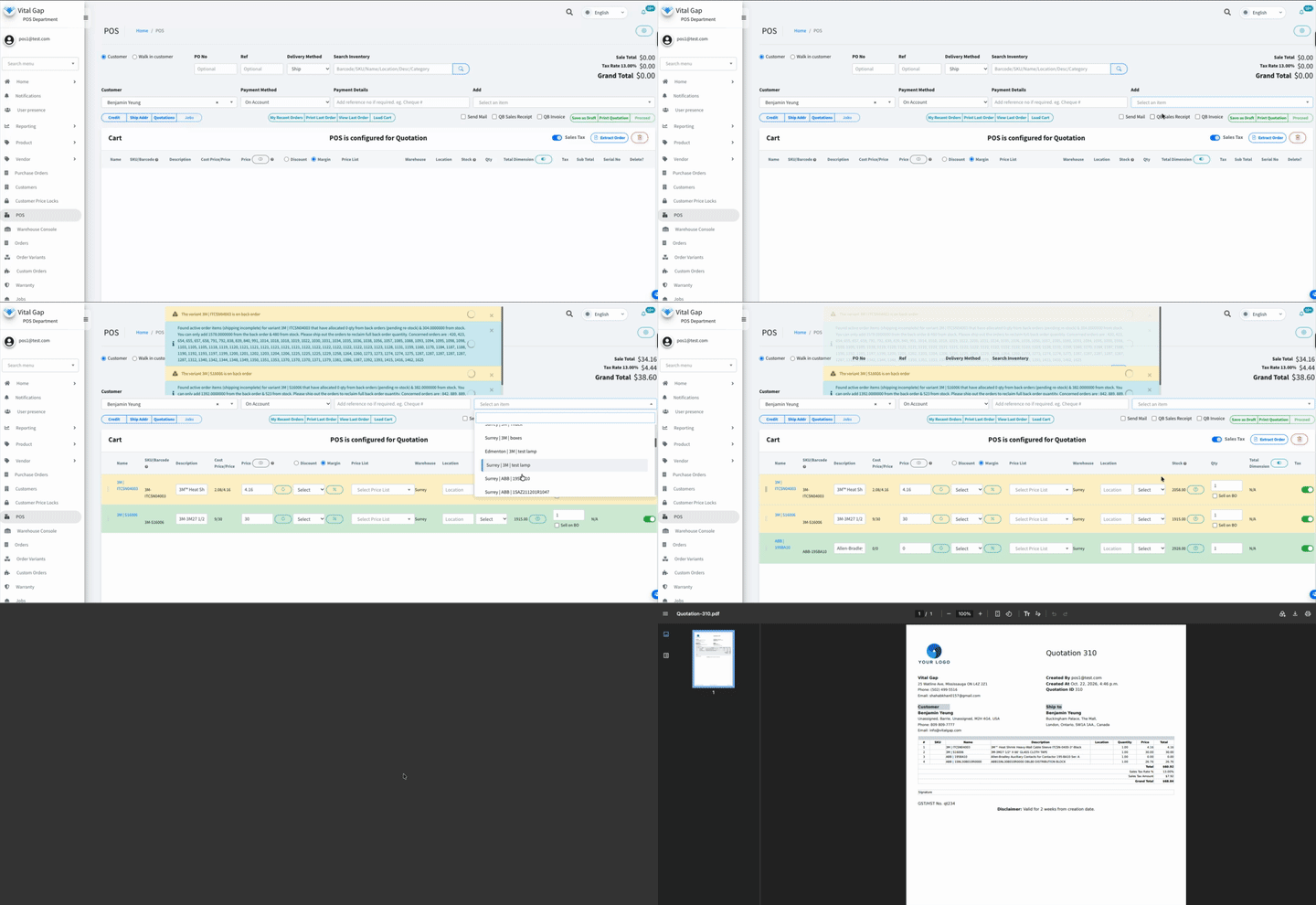
In distribution, pricing is rarely as simple as applying one standard price to every customer. Sales teams may need to account for negotiated rates, volume discounts, product availability, margins, and account-specific terms.
When these details are spread across spreadsheets or separate applications, preparing an accurate quote can take longer than necessary.
Look for ERP software that helps sales representatives:
A connected quoting workflow can reduce administrative friction and help representatives respond to customers more efficiently.
During a product demonstration, ask the vendor to walk through a realistic quote using your actual pricing scenarios. This will reveal more than a generic feature checklist.
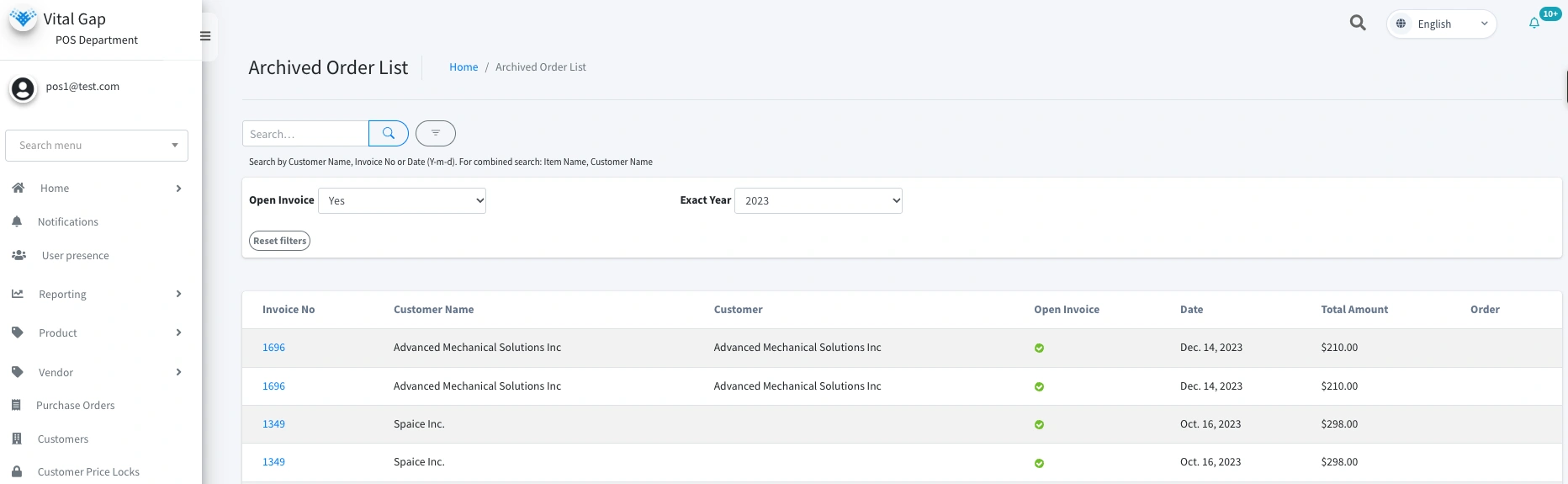
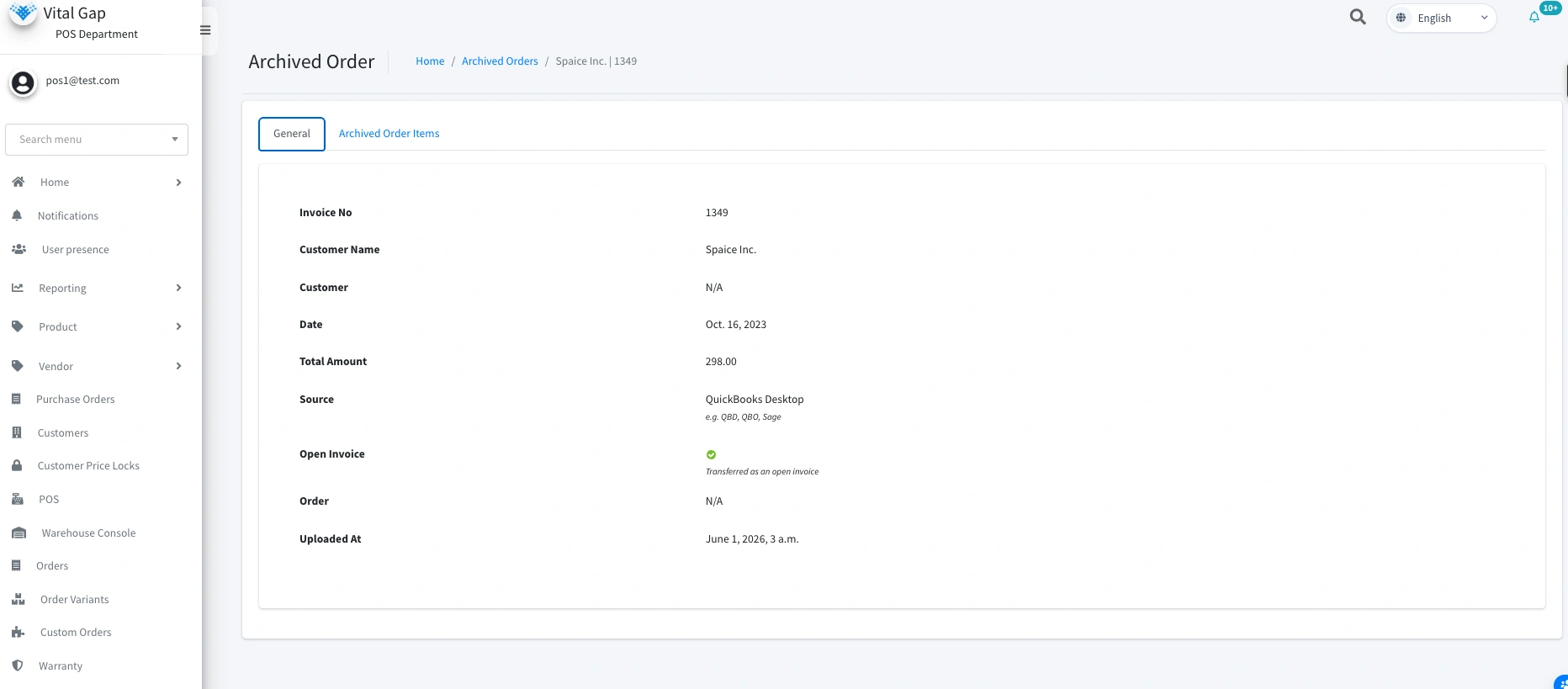
Switching ERP systems can be intimidating because years of business information may be tied to your existing software.
Customer records, vendor details, transaction history, historical pricing, and outstanding balances can all matter during and after the transition. Losing access to this information can make it harder to investigate past transactions or maintain continuity.
Before choosing a new platform, ask:
VitalGap provides resources for businesses evaluating a transition from QuickBooks. Read its guide to QuickBooks ERP history and migration to explore the considerations involved.
Do not assume that every record can be transferred automatically. Confirm the migration scope, responsibilities, validation process, and expected downtime before committing to an implementation.
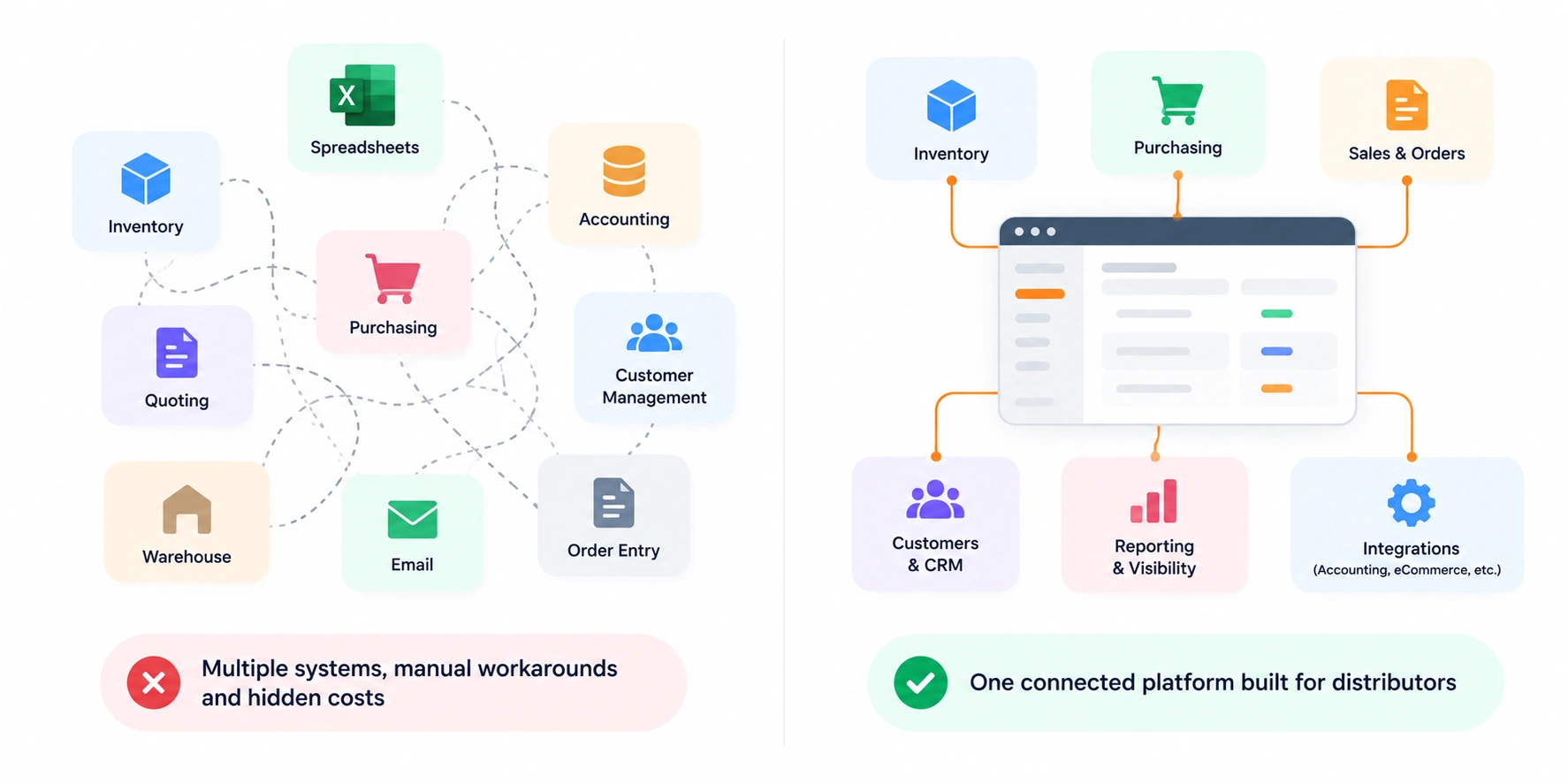
A long feature list does not automatically make an ERP the right choice.
Large enterprise systems can be appropriate for businesses with complex requirements, but smaller or growing distributors may not need every available module. On the other hand, a lightweight system may lack important capabilities as operations expand.
Evaluate the total cost and complexity of ownership, including:
Also consider how much your team will need to change its existing workflows to accommodate the software.
The objective is not to choose the simplest platform at any cost. It is to find a system that meets your operational requirements without creating unnecessary complexity.

Many distributors already use tools for accounting, customer relationship management, ecommerce, or other business functions. Replacing every system may not be necessary, but disconnected applications can create duplicate work and inconsistent records.
A modern ERP should provide the core capabilities your business needs and integrate with other systems where appropriate.
Before selecting a platform, determine:
Integration quality matters more than simply seeing a list of supported applications. A connection that fails to synchronize critical fields reliably may create as much work as it removes.
For a closer look at the business impact of connected systems, read about distribution software integration ROI.
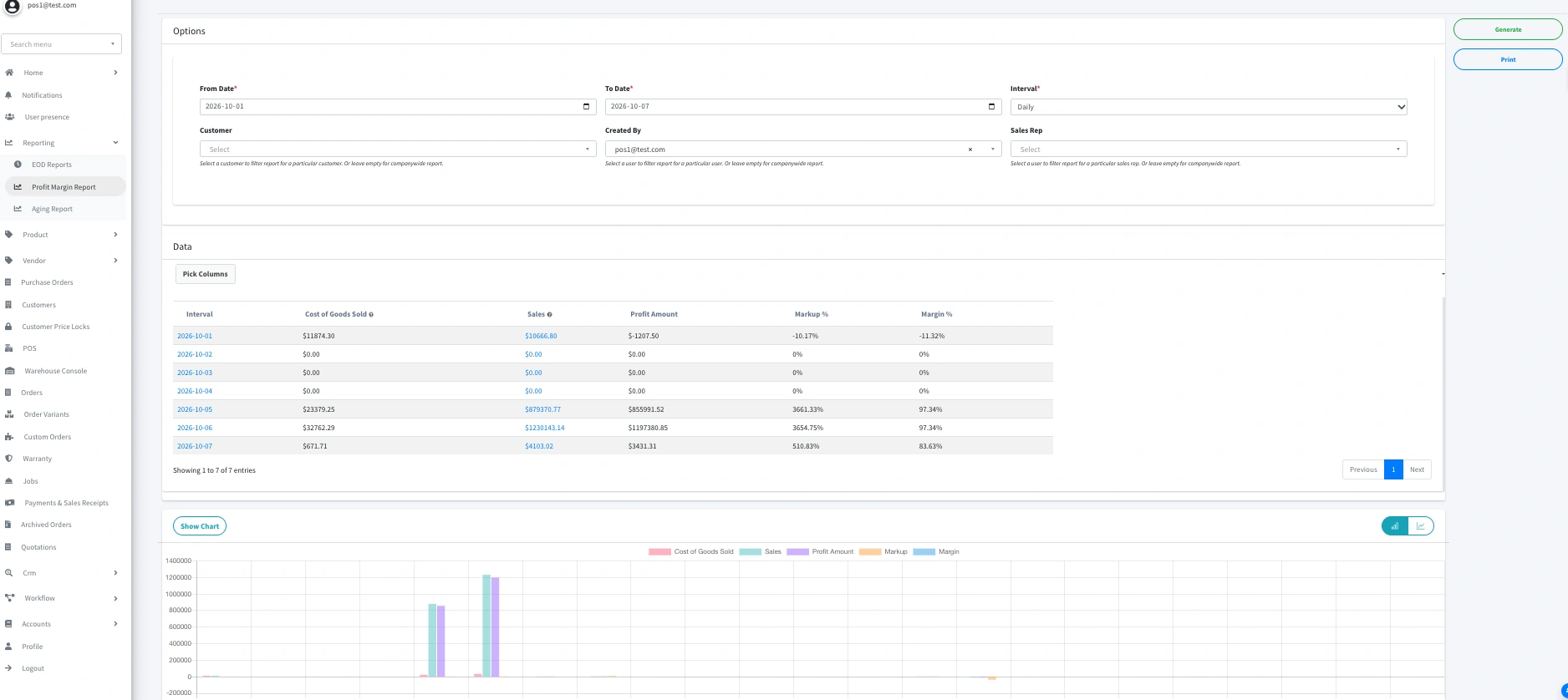
As a distribution business grows, decision-making becomes harder when important information is buried in separate reports or applications.
Managers need to understand what is happening across sales, purchasing, inventory, and fulfillment without spending hours assembling spreadsheets.
Look for reporting that helps your team monitor relevant measures, such as:
The ability to investigate the transactions behind a metric is also important. A dashboard may show that margins have changed, but managers need enough detail to understand why.
Consider future requirements as well. Will the system support additional warehouses, a larger product catalog, higher transaction volumes, and more complex customer requirements?
Choose a platform that can accommodate realistic growth without assuming that every future need requires a complete system replacement.
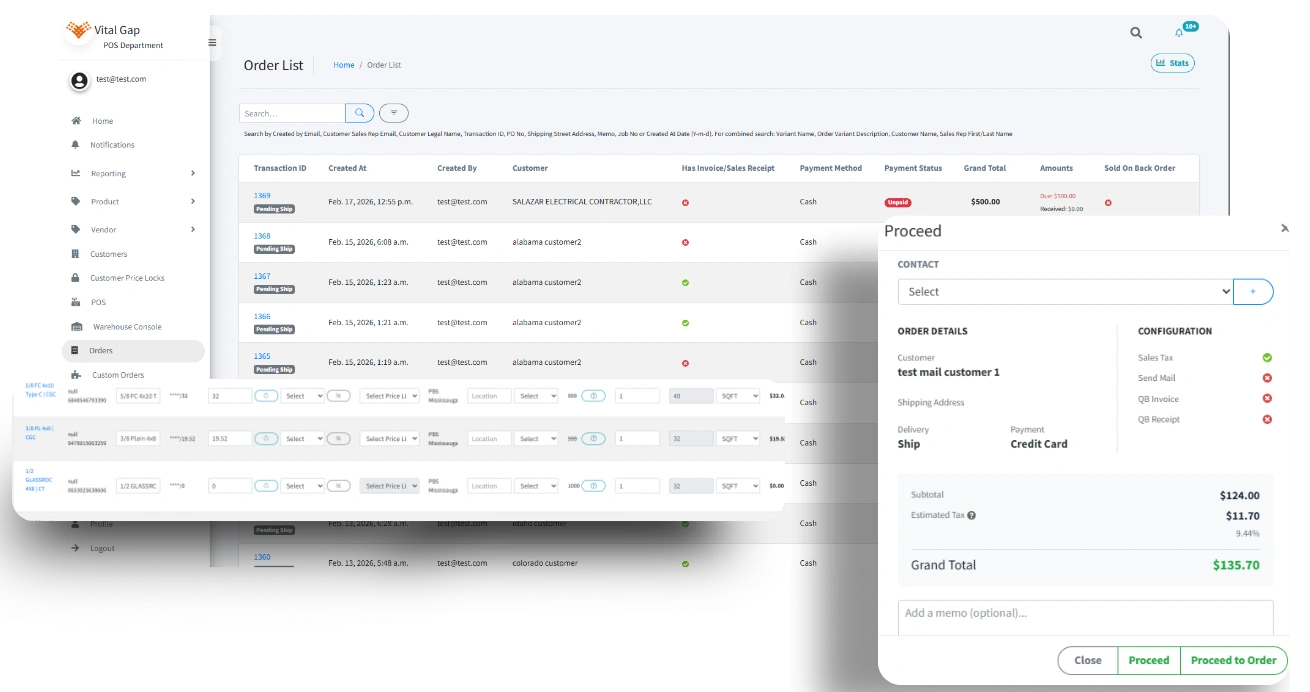
Even a capable ERP can be a poor investment if the selection process focuses on the wrong priorities.
Watch out for these common mistakes:
Choosing based on features alone. A feature is valuable only if it supports a real business requirement.
Ignoring migration requirements. Data quality and historical access should be addressed before implementation begins.
Underestimating integrations. Confirm that the necessary systems exchange the correct data reliably.
Overlooking implementation and training. Software adoption depends on whether employees can use it effectively in their daily work.
Assuming every vendor claim applies to your business. Ask for demonstrations using realistic orders, pricing rules, purchasing scenarios, and inventory movements.
Focusing only on upfront cost. Compare implementation, subscriptions, support, integrations, and ongoing maintenance to understand the broader investment.
Distribution is already complex. Your software should help your team manage that complexity rather than add another layer of manual work.
A new-age ERP should connect inventory, sales, purchasing, fulfillment, and financial workflows while giving your team reliable information to make decisions. It should also support your migration requirements, integrate with essential applications, and accommodate the way your business plans to grow.
VitalGap is focused on building software for wholesale distribution. If you're evaluating alternatives to legacy systems or disconnected tools, the next step is to compare your requirements with the platform's current capabilities.
Ready to explore a distribution-focused ERP? Book a personalized demo with VitalGap to discuss your workflows, current challenges, and software requirements.
Distribution management software helps wholesale distributors manage operational activities such as inventory, purchasing, sales orders, fulfillment, and related business processes. Depending on the platform, it may also include accounting capabilities, reporting, integrations, and customer-specific pricing.
The terms overlap, but they are not always identical. A distribution management system typically focuses on the workflows involved in buying, storing, selling, and delivering products. An ERP system may cover a broader range of business functions, including finance, manufacturing, human resources, and other enterprise processes.
There is no single feature that is most important for every distributor. Inventory visibility, order management, purchasing, pricing, and financial integration are common priorities. The right starting point is to identify the operational problems that most affect your business.
Warning signs include frequent inventory discrepancies, slow quoting, duplicate data entry, manual reconciliation, limited reporting, and difficulty managing additional locations or transaction volumes. If workarounds have become part of everyday operations, it may be time to reassess your system.
Ask about workflow fit, implementation, historical data migration, integrations, reporting, training, support, scalability, and total cost of ownership. Request a demonstration using realistic business scenarios and confirm which capabilities are available now, require configuration, or depend on third-party integrations.
Whether you're looking to streamline operations, boost efficiency, or drive growth, VitalGap has the solutions you need.